Reach Out and Touch Someone
Like in a cheesy action movie, the Tactile Response Squad is activated when a situation gets out of hand. Dr. Möbius has activated his doomsday device and there is just one chance to stop his dastardly plan.
Marchetti is doing 210 mph in the Monaco Grand Prix to place the transponder on the Möbius car. Through the wheel, in a language only her fingertips can read, she feels the faint, high-frequency shudder of her front tires slipping…
Reyes caresses the dial of the Möbius vault, feeling the distinct whisper of resistance as each pin drops into place. The launch codes are just on the other side of the door, but was that a click or a tick…
Dr. Okafor has 30 seconds to remove the brain implant on the only scientist who can disarm the device. Working in the dark is no problem for someone blind from birth; she slices delicately through the dermis, feeling the implant wire buried deep in the healthy brain tissue with the razor sharp scalpel, when…
_Detail.jpg) Michelangelo, “The Creation of Adam” (detail), Sistine Chapel, c. 1512, public domain, via Wikimedia Commons
Michelangelo, “The Creation of Adam” (detail), Sistine Chapel, c. 1512, public domain, via Wikimedia Commons
The Magic Touch
Sight is one of the most impressive engineering achievements, but touch is arguably the most human. Touch, primarily through your dexterous hands, both senses the environment and enacts your will in a recursive loop experienced as a unified whole. Imagine the driver reaching out to change the fan speed: finding the dial by touch, grasping the knob, adjusting the grip, feeling two clicks in the twist, all without looking.
Touch is widely understood to be a sense, but perhaps it is a category of senses: skin has at least four distinct types of touch receptors, three additional types of touch-related receptors, and at least 5 types of touch pain receptors:
- Pacinian corpuscles for fast vibration and deep pressure
- Meissner corpuscles for light touch and texture
- Merkel cells for sustained pressure and edges
- Ruffini endings for skin stretch and grip/position
- Heat thermoreceptors
- Cold thermoreceptors
- Pain nociceptors (at least 5 types including cutting, pinching, crushing, extreme heat or cold, irritant chemicals, histamines, and substances released by damaged tissue itself)
Seven different sensors for dozens of different jobs, each with distinct fibers and molecular channels. One fingertip could contain over 10,000 nerve cells, but this sensitivity varies widely across the body. Meissner corpuscles can be so densely packed in the fingertip to detect a difference of a couple millimeters, or so dispersed on the back that two touches need to be centimeters apart to be felt distinctly. These nerves can even be tricked; capsaicin in hot peppers activates heat thermoreceptors and menthol activates cold thermoreceptors. This sensation isn’t “like” heat; it is heat, as far as the nerve is concerned. Sichuan peppers contain a chemical that interferes with touch receptors, giving a numbing, tingling sensation unlike any other.
As with all the senses, touch is not simply a dumb “switch” that sends signals to the brain “computer.” Pain nerves can stimulate responses right from the spinal cord, activating the safety reflex before the person feels any pain. Physical memory is real memory, from sports to music. The brain devotes more real estate to a sense that is practiced. Violinists show expansion in the brain for their fretting-hand fingers, correlated with how young they started playing. Brain scans of Braille readers show enlarged finger representations. They have much better accuracy in touch, but only in their reading finger, not across their whole body.
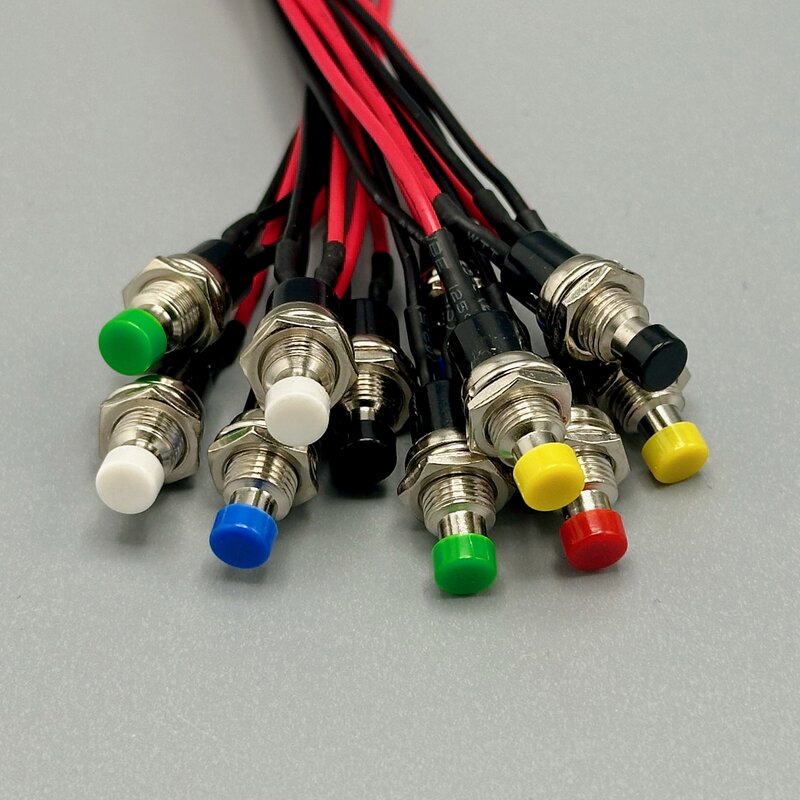
The Button
The slogan for the Kodak camera in 1900 was: “You press the button, we do the rest.” An editorial in the Chicago Daily Tribune called it “prophetic cry of the age,” because it promised to put the consumer in immediate, effortless control of an intricate piece of machinery.1
There are hundreds of switch designs, but two main types:
- Latching stays as you set it. (light switches, power buttons that click in/out)
- Momentary is active only while pressed. A spring returns it to default (doorbells, keyboard keys, most tactile switches)
Switches existed from the beginning of the electric age, but the first push-button enabled the electronic age. A switch turned a motor on or off, but the button was used to send information. The key insight was to distinguish functionality into state, or information. A power switch can physically connect the device to power, but once a device has multiple ways to do an action, for example, a power button on the device and another on the remote, the device needs to treat “on” as a state. Most modern devices are always on, at least partially, or wake up every few milliseconds to check if someone is pressing the remote button.
More Ounce to Debounce
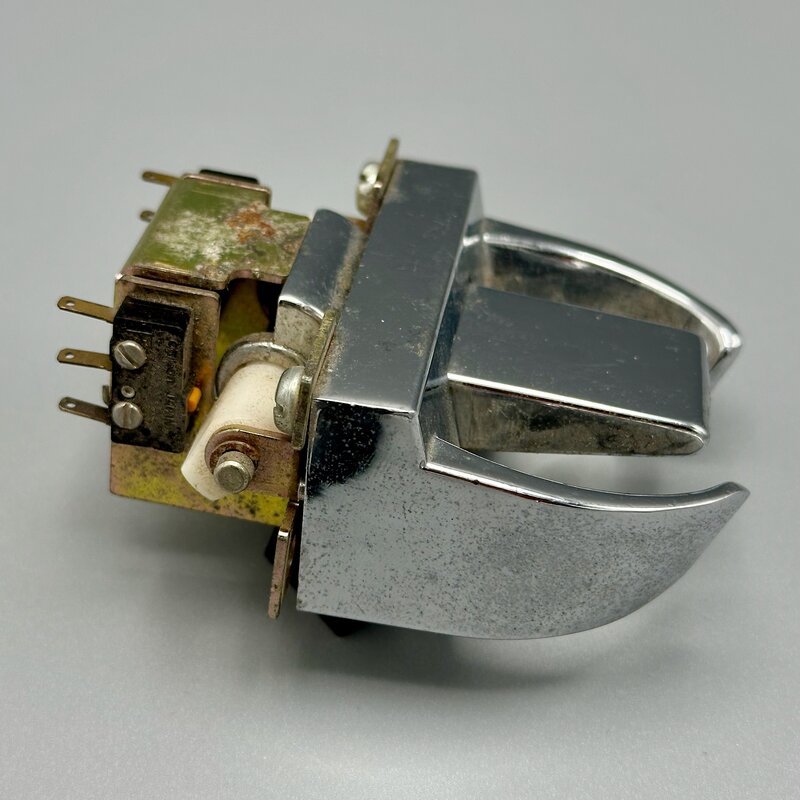
In movies, car thieves “hot-wire” cars by holding wires together. The ignition key in a classic car is simply a fancy switch: if you can find the right two wires, the motor will start. Buttons are usually thought of as digital on/off, but in the physical world, they are a fancy way of squeezing two wires together. The incredible speed of computers means they detect the tiny flexing of the metal. Any quick button press will “bounce”: dozens of rapid on-off flickers in a few milliseconds.
If your code runs fast enough, each button press will read multiple on/off cycles, a common, confusing problem when learning electronics prototyping.
// NOTE: DELIBERATE EXAMPLE OF BAD CODE
pins.setPull(DigitalPin.P0, PinPullMode.PullUp); // set up pin for a button connected to ground
basic.forever(function () {
  // --- Main Loop ---
  if (pins.digitalReadPin(DigitalPin.P0)) {
    basic.showIcon(IconNames.Yes);
  } else {
    basic.clearScreen();
  }
  basic.pause(1); // runs 1000 per second
});
“Debouncing” is such a common problem that it is built into many microcontrollers. The micro:bit’s input.buttonIsPressed(Button.A) has smoothed it out before the code runs, so one press reads as one press.
It is not always possible to use the built-in debouncing; you might want to make an arcade button more sensitive or a kid’s device less responsive. A readable example of manual debouncing code is at tangible.turbek.com/examples_microbit#knock-sensor
Microbit Buttons
The Microbit has two built-in buttons, very handy for quick input.
input.onButtonPressed(Button.A, function () {
  // do something
});
Full code at tangible.turbek.com/examples_microbit#microbit-button
Debouncing External Buttons and Switches
Microbit has a handy hack: the buttons are also wired to pins:
- Connecting Pin 5 to ground is the same as pushing Button A
- Connecting Pin 11 to ground is the same as pushing Button AB
Using Pin 5 and 11 for digital sensors is handy for testing your software on a prototype. Clicking on the button simulates the sensor, and you get debouncing for free!
input.onButtonPressed(Button.A, function () {
  // Connecting pin 5 to ground is the same as pressing button A
  // do something
});
Full code at tangible.turbek.com/examples_microbit#simple-external-button-component
Montage of Switches and Buttons
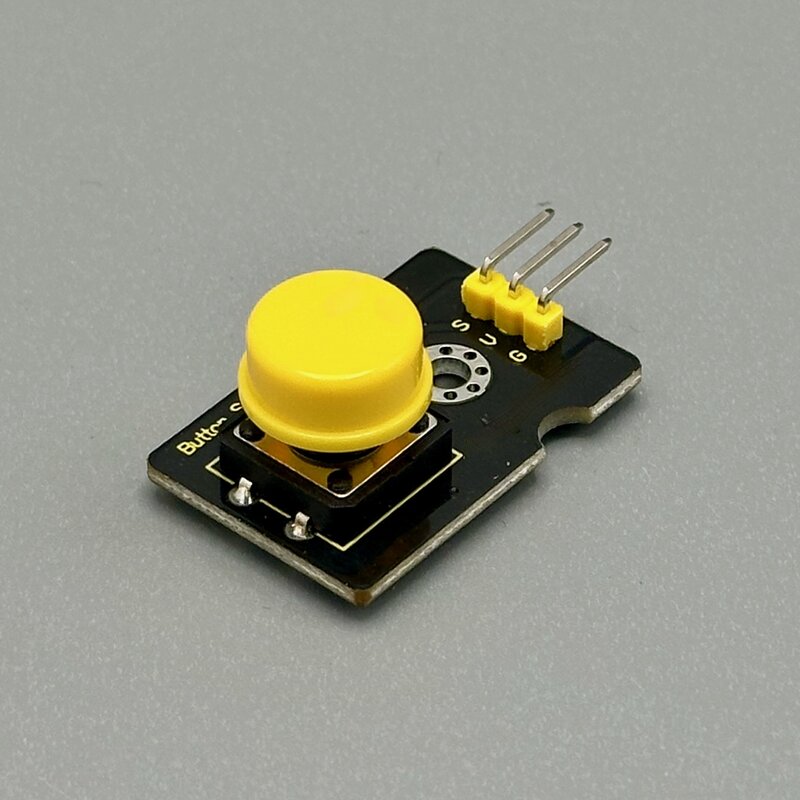
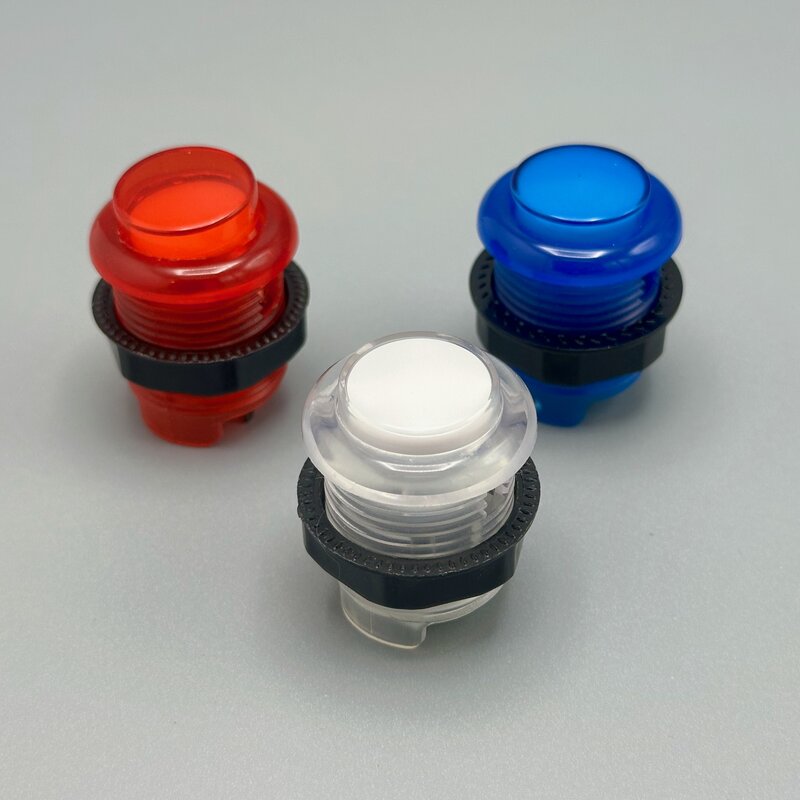
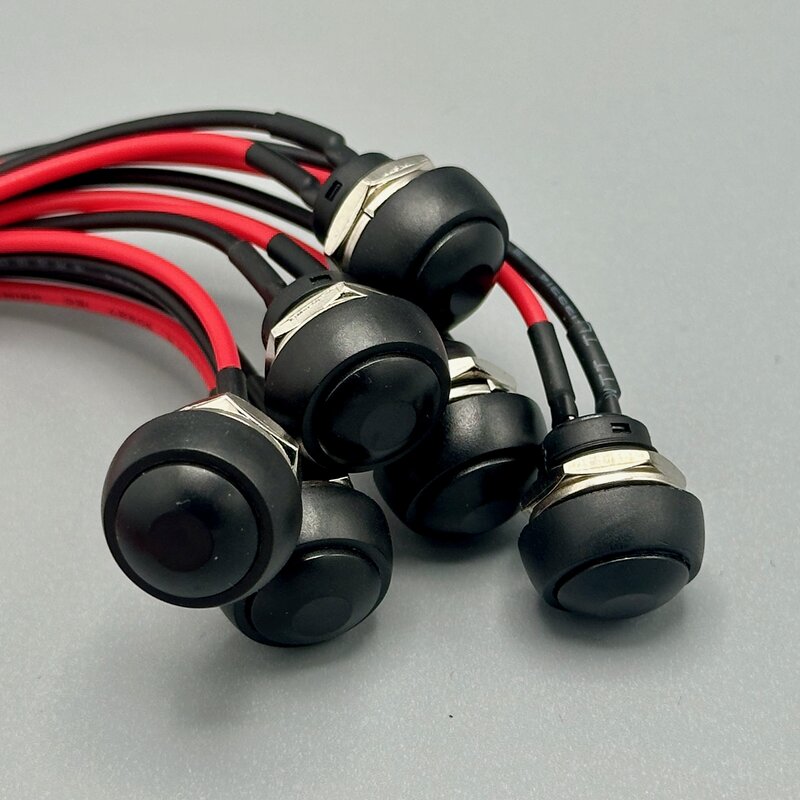
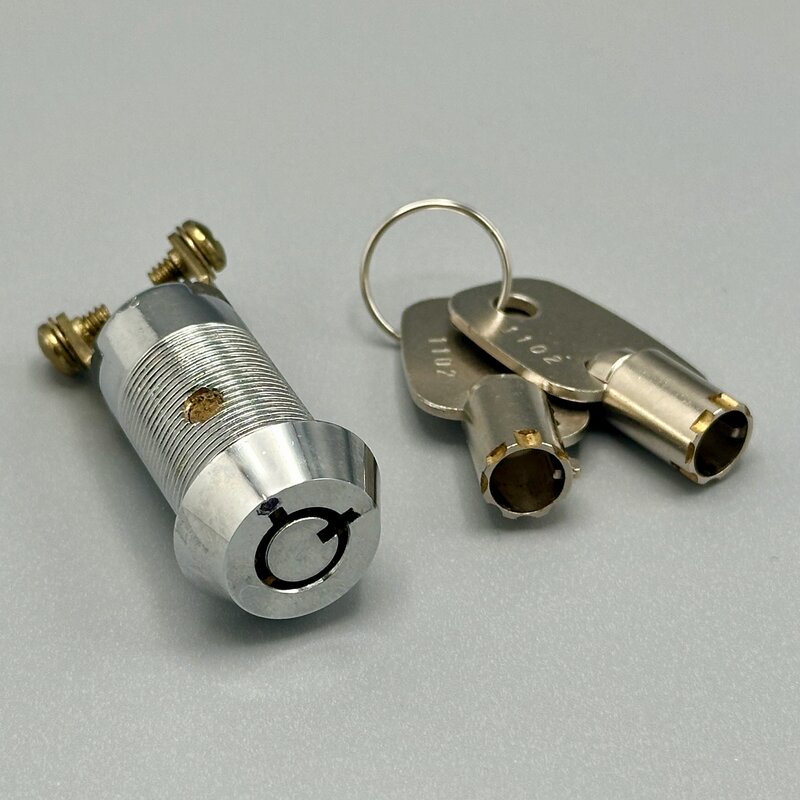
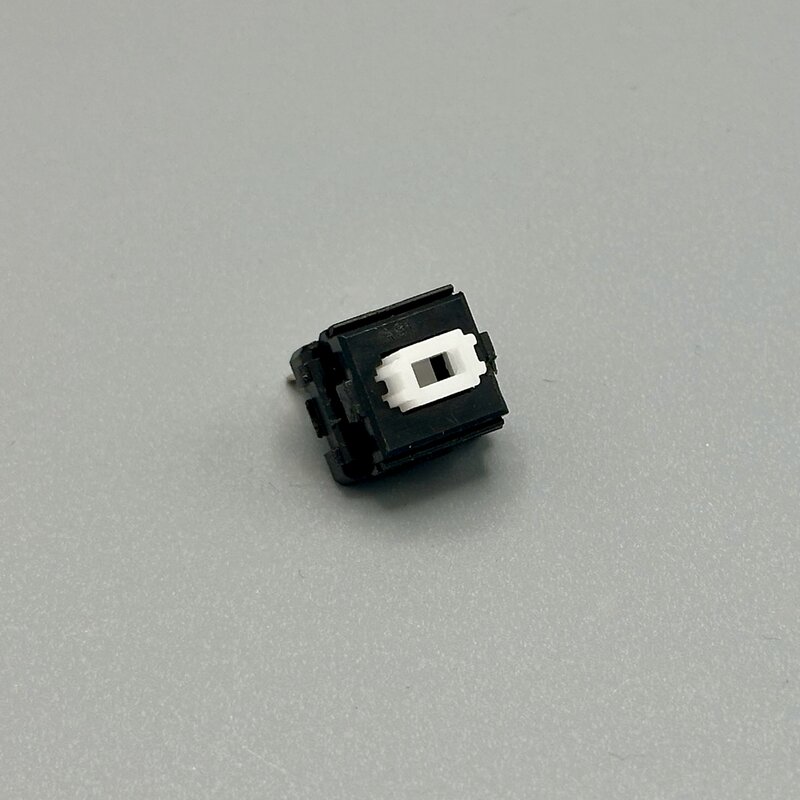
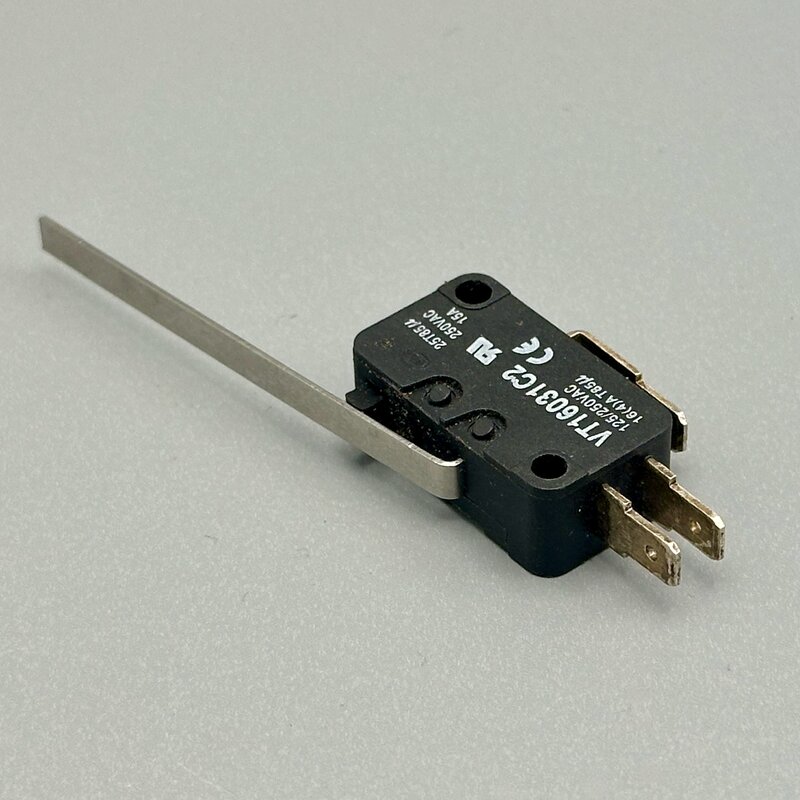
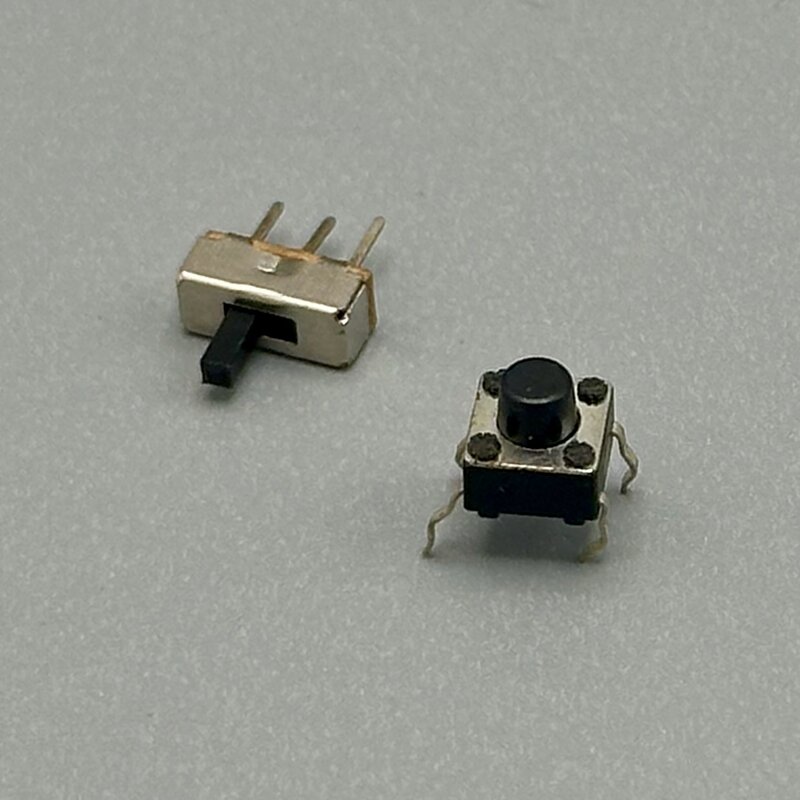
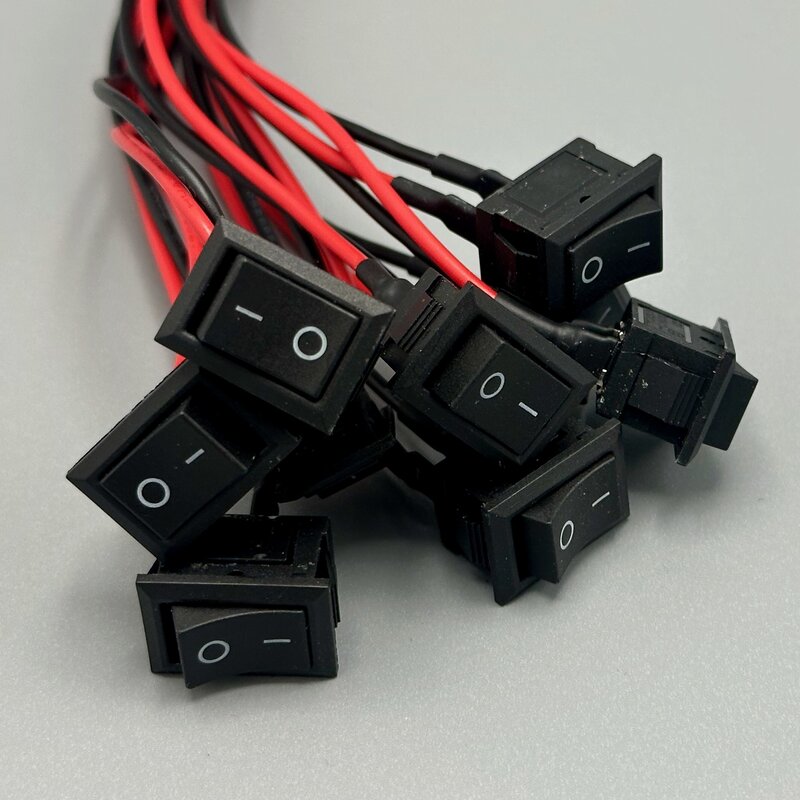
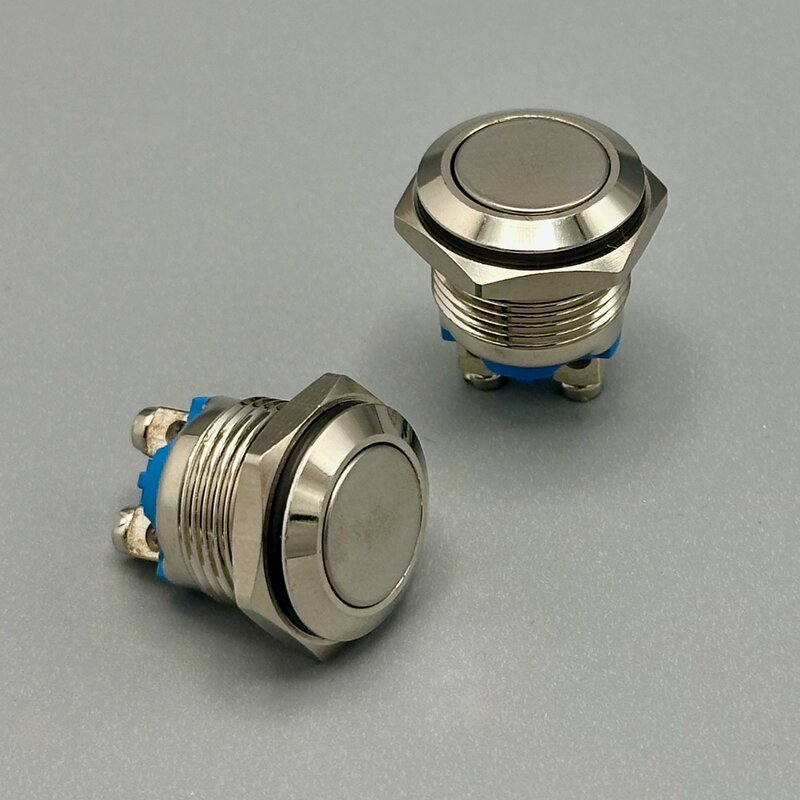
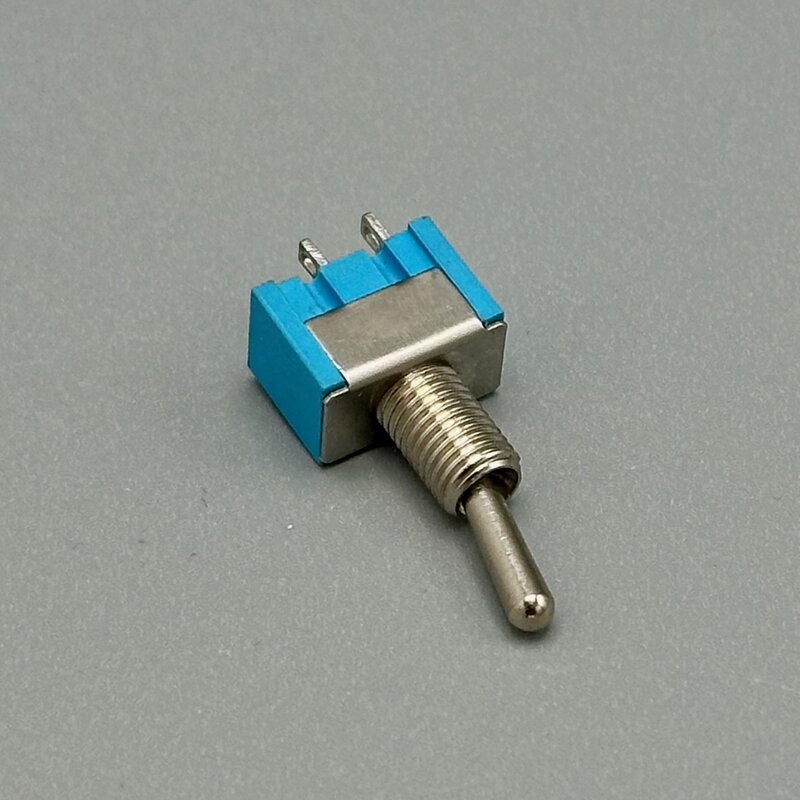
Simple Buttons, Important Jobs
In many cases, the most important action is to stop. Stop cutting, stop moving, stop the machine. The electronics are simple, but the physical design of the button makes it stand out and save lives.
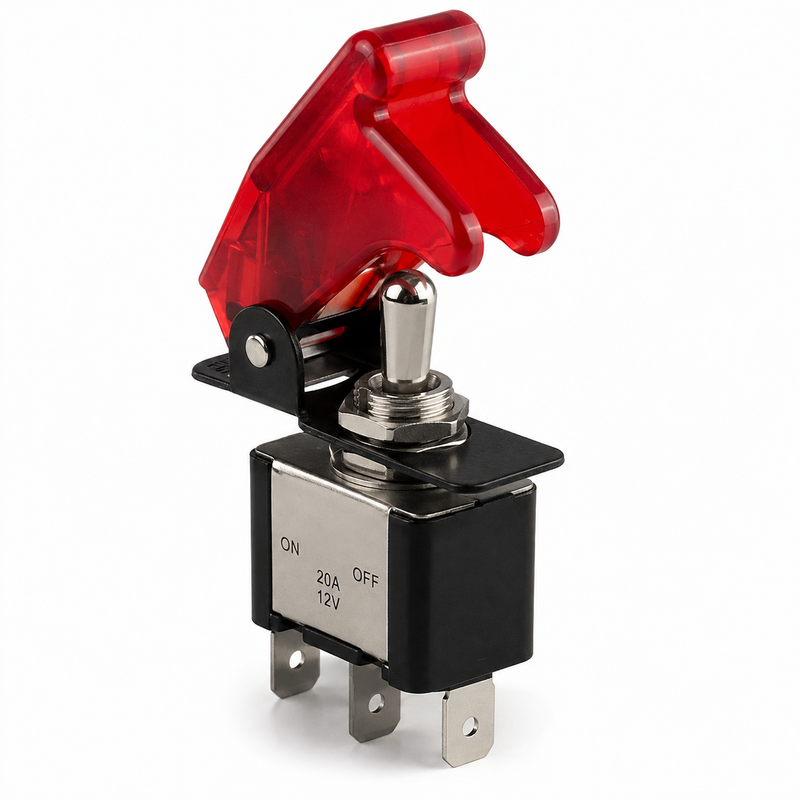
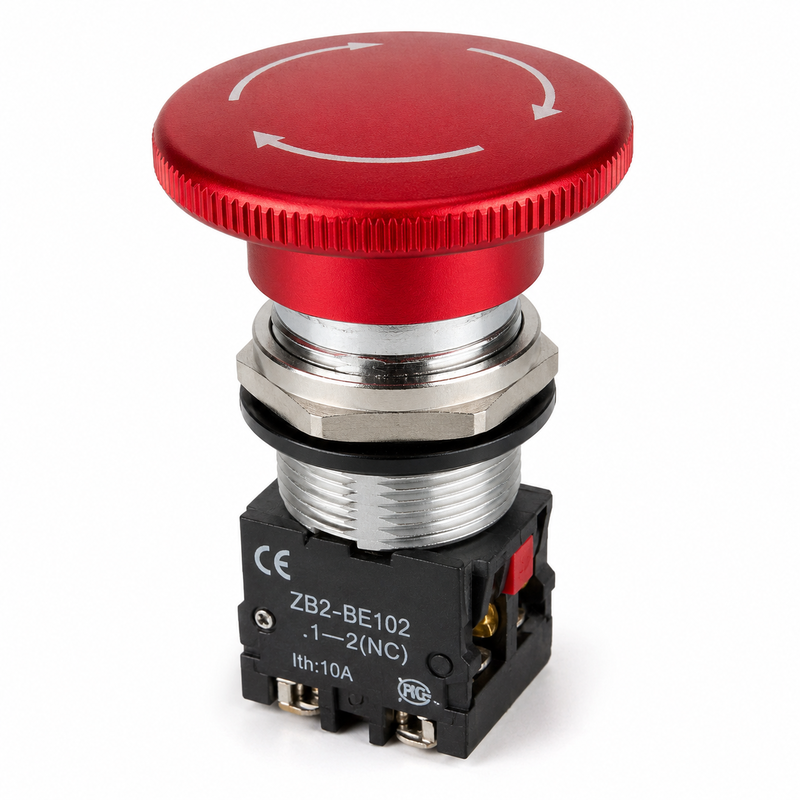
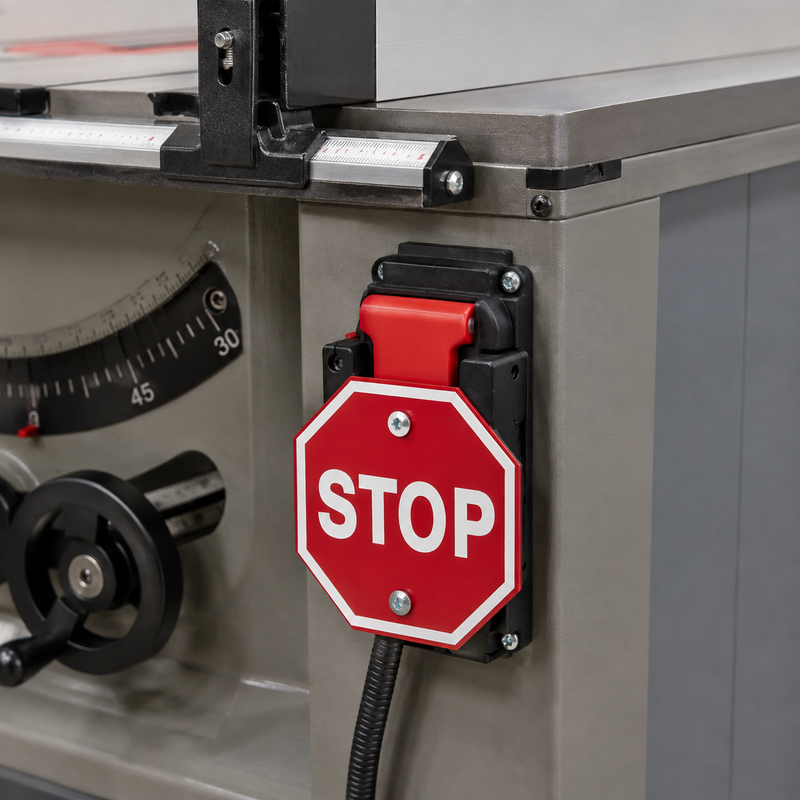
Button Groups
Buttons are such a common input that entire components are built out of them. Old-school gaming controllers’ direction pads (D-Pads) are collections of buttons — the first joysticks simply pressed 4 buttons, one for each direction. Going northeast simply meant pressing up and right together.
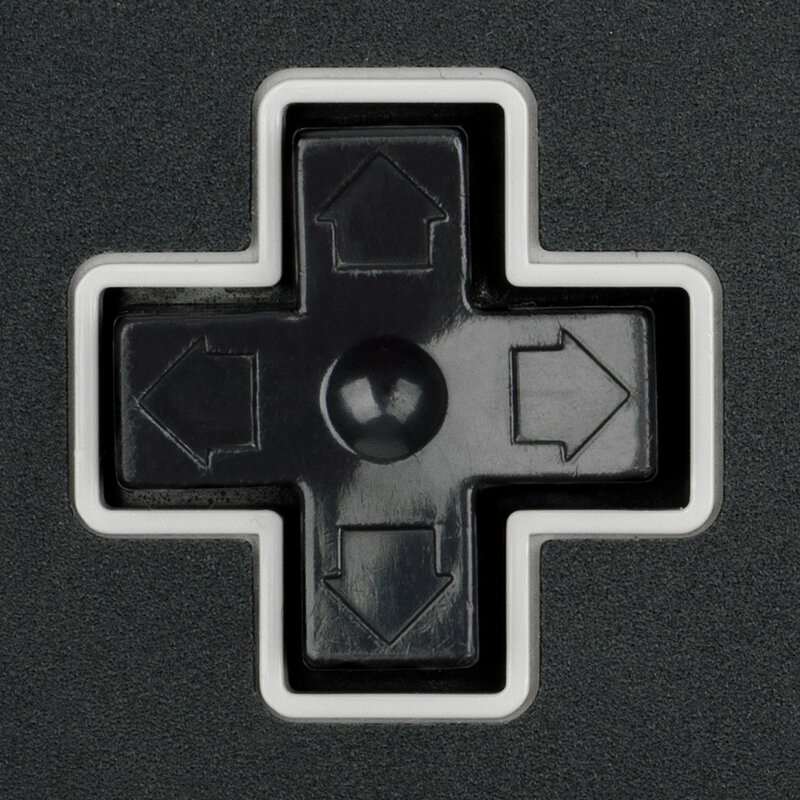 Evan-Amos, “NES D-pad,” Wikimedia Commons, public domain
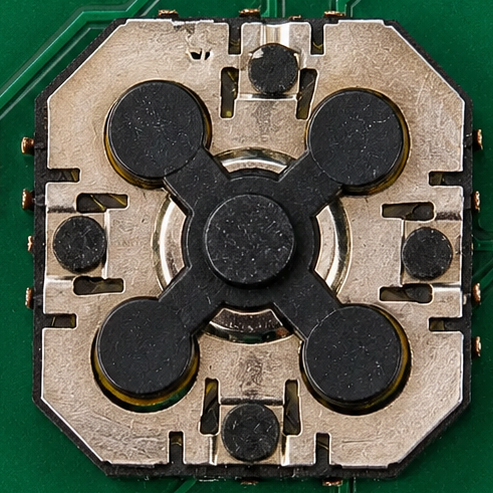
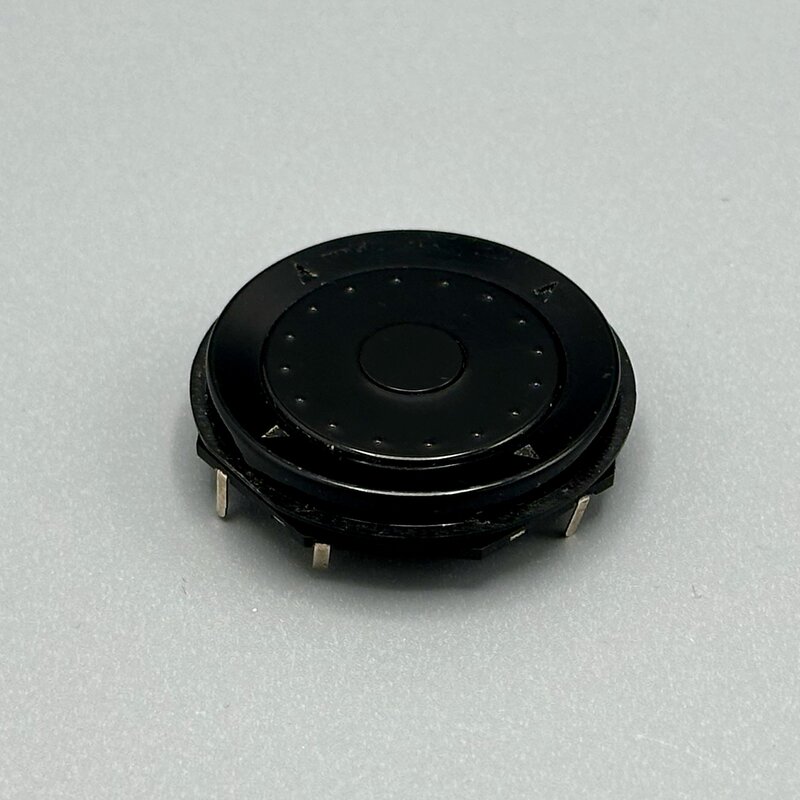
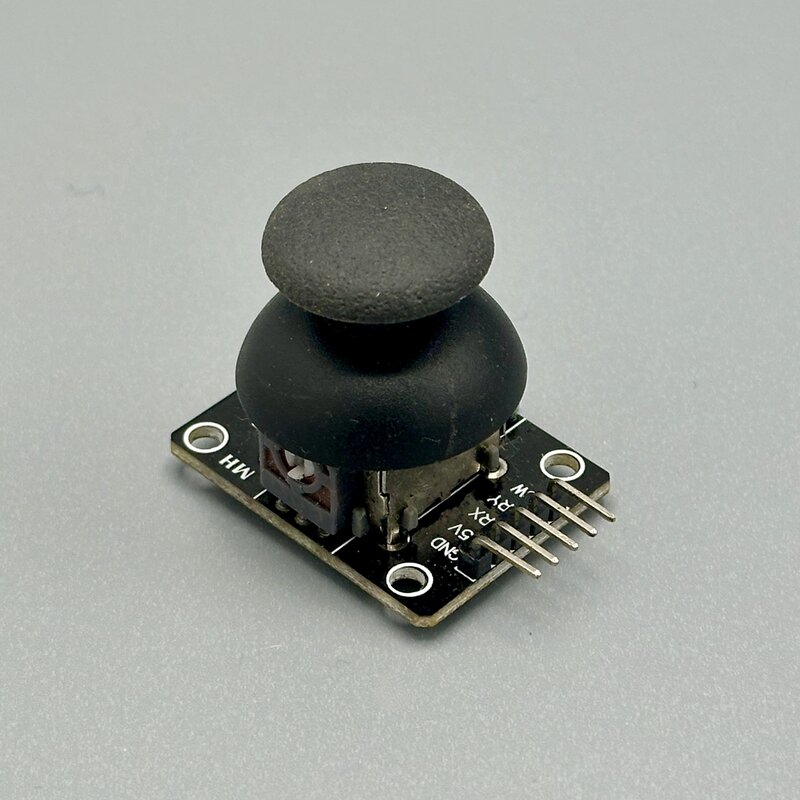
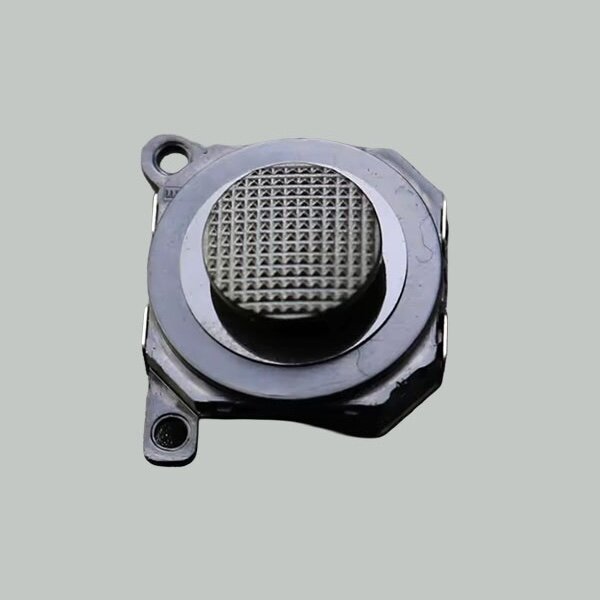
Modern controllers have analog inputs, allowing gradations of input for more responsive and precise control.
If you are willing to design a custom PCB, you have more freedom in designing a unified button system.
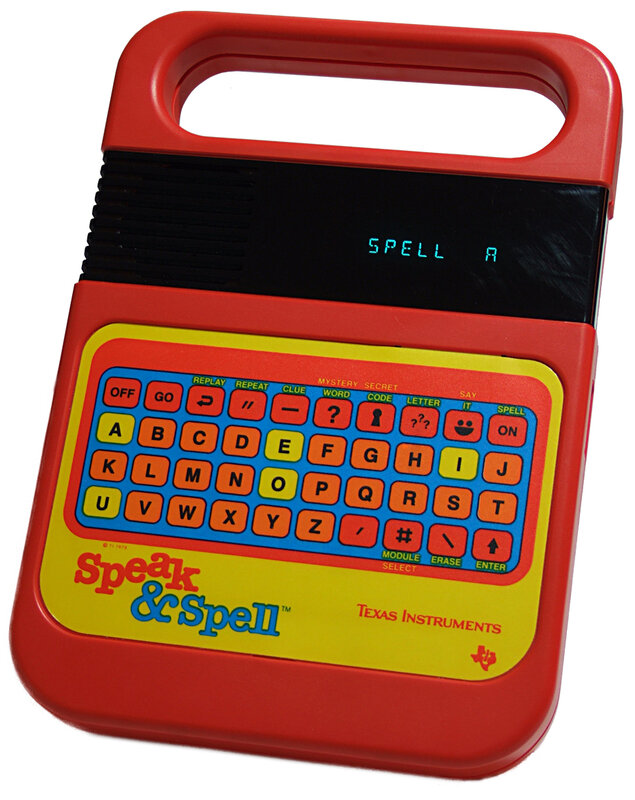 Bill Bertram, photo, 2006, edited by Wikimedia user Tomhannen, Wikimedia Commons, CC BY-SA 2.5
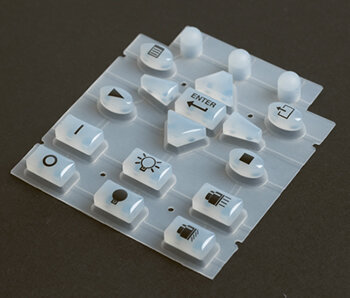 John Peter Hall, “Silicone rubber keypad example,” Wikimedia Commons, public domain
-
Rachel Plotnick, Power Button: A History of Pleasure, Panic, and the Politics of Pushing (Cambridge, MA: MIT Press, 2018). Reviewed in David Trotter, “Making Doorbells Ring,” London Review of Books, November 22, 2018, https://www.lrb.co.uk/the-paper/v40/n22/david-trotter/making-doorbells-ring. ↩