You Can't Make White without Blue (LEDs)
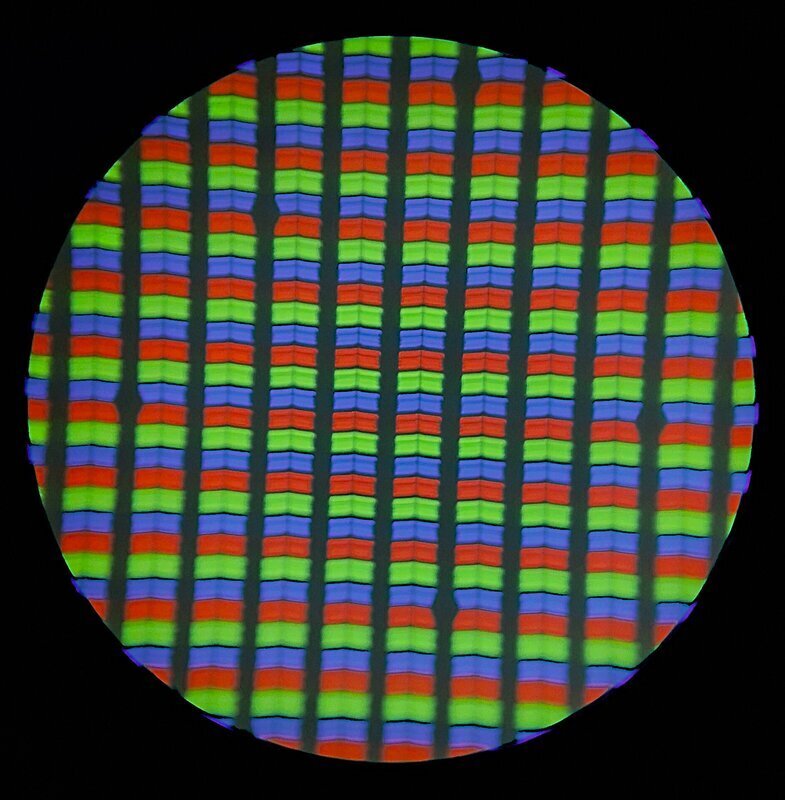 RIT Rajarshi, “Mobile Phone LCD Display Under a Microscope Showing Primary Colors RGB”
Every color on a screen is a trick of the eye. The screen in your pocket only has red, green, and blue subpixels, too small to see individually, building every color including white. Your eyes have three types of color-detecting cone cells, and screens exploit that biology directly: tiny red, green, and blue pixels, blended by your own eye into any color it can perceive — magenta included, a color that has no wavelength of its own. (Full story on that trick: There Is No Frequency for Magenta.)
You can’t Make White without Blue (LEDs)
After all that color theory, you know how important blue is for making white light. For decades, humanity had green and red LEDs, but Shuji Nakamura’s dedicated research created the chemical formula for the blue LED. He shared the 2014 Nobel Prize in Physics with Isamu Akasaki and Hiroshi Amano for the invention, as well as a bonus of ¥20,000 (about US$180) from his company for the patent.
“Why It Was Almost Impossible to Make the Blue LED”
Example Project: Basic RGB color LED
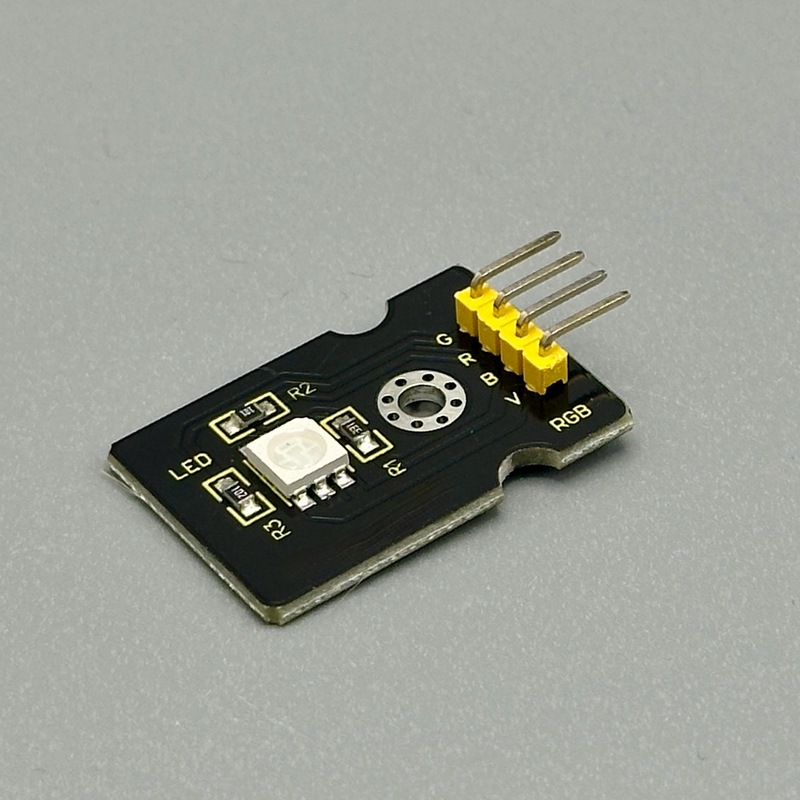
This RGB demo shows controlling 1 color pixel means controlling three sub-pixels, for Red, Green, Blue.
//to make Magenta
// Note many RGB modules have a common power lead, you set how much voltage you allow into your microbit pin
pins.analogWritePin(AnalogPin.P0, 0); // Red LED on
pins.analogWritePin(AnalogPin.P1, 1023); // Green LED off
pins.analogWritePin(AnalogPin.P2, 0); // Blue LED on
Setting one color is a bit boring; here is the code to cycle through the color wheel: https://tangible.turbek.com/examples_microbit#rgb-led-color-wheel
Example Project: RGB rotary encoder
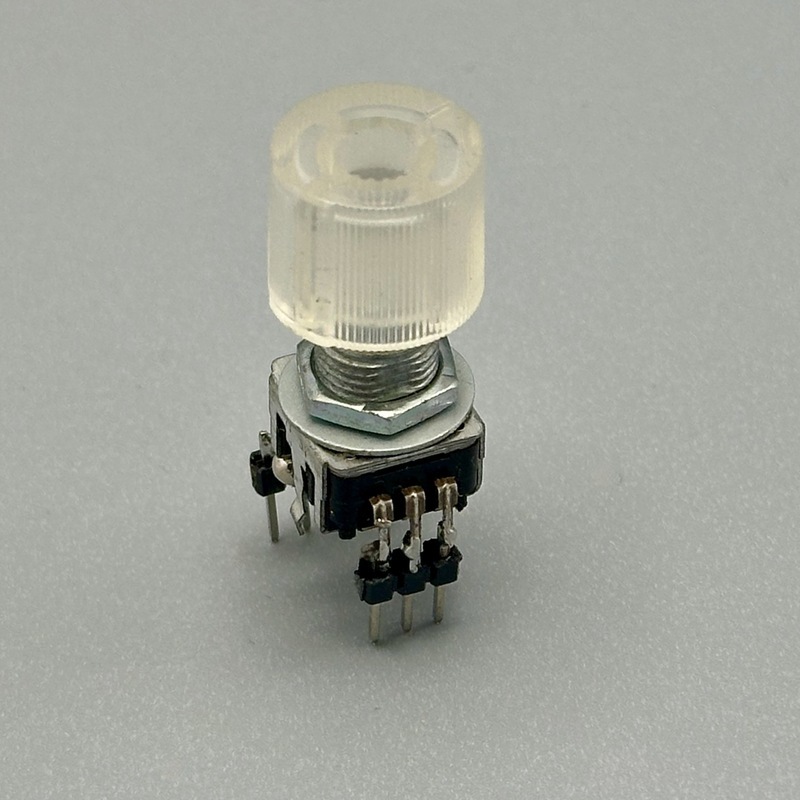
An RGB rotary encoder is simply an RGB LED and a rotary encoder in one housing. It has no brains, and the components don’t even connect. Still, it is a fun package to design with, especially if you make the rotary knob into a color wheel. Full code at https://tangible.turbek.com/examples_microbit#rotary-encoder-with-rgb-color-picker
Example Project: Neopixels
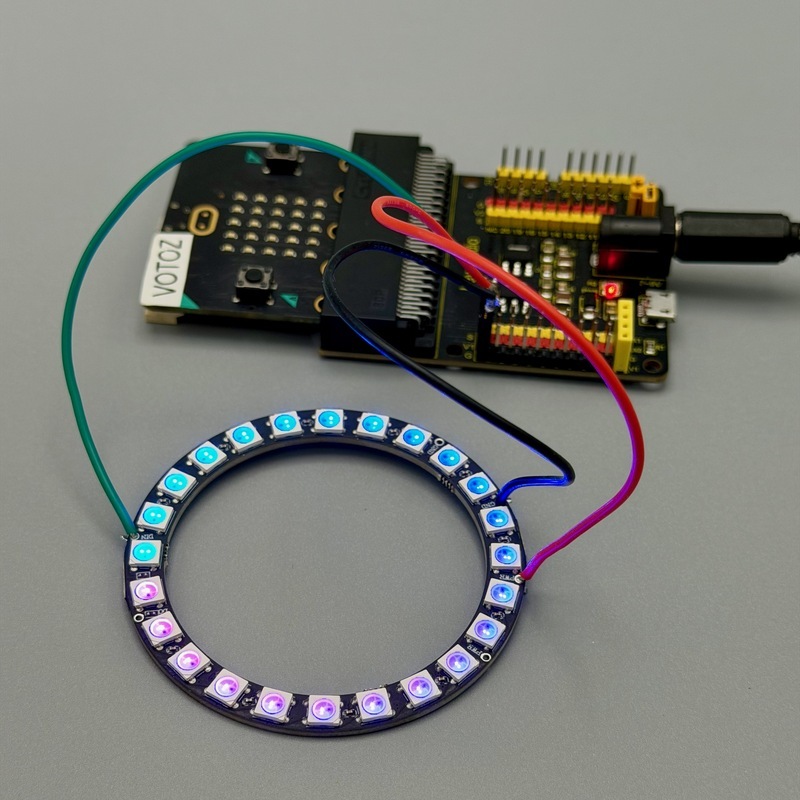
NeoPixels are a fun and easy component to add full color patterns or simple animations to a product. Neopixel is the name coined by Adafruit, for a category of RGB LED strips where you can set each LED individually. Many manufacturers use the same protocol based on the WS2812B chip. They are most known as a flexible strip of LEDs, but they also come in useful shapes like rings or even grids of LEDs. Regardless of the shape, they are wired as a linear string of LEDs.
There is a surprising number of clever tricks they can do. To program, enter a number of commands and send a strip.show(); to update the strip. In the example below, the program makes a ‘rainbow’ of red to green. The ` strip.rotate(1);` animates the gradient. Used in moderation, with a limited palette, it can be a fun addition to a product.
Many strips ship with a JST SM 3-pin clip (Red = +5V, White = GND, Green = Data). To drive the strip from the micro:bit, wire the clip to the micro:bit: Green to a digital pin, White to GND, and Red to a separate 5V supply — never the micro:bit’s own 3V pin, which can’t supply enough current for a full strip. Make sure to connect the grounds of the microbit and the Neopixel strip!
For microbit, use the “neopixel” extension (Extensions > search “microsoft/pxt-neopixel”)
// this defines a strip of 24 RGB lights, controlled by Pin0
let strip = neopixel.create(DigitalPin.P0, 24, NeoPixelMode.RGB);
strip.showRainbow(1, 120); // make a color gradient across that sub range

basic.forever(function () {
  strip.rotate(1); // update the rainbow animation
  strip.show();
  basic.pause(100);
});
Full code at https://tangible.turbek.com/examples_microbit#neopixel-rgb-strips